
A conference or trade show organizer can put a photograph a door lead can match on the attendee badge, and a separate photograph on the exhibitor badge and the press credential, when it names the file before anyone uploads, uses the camera that file allows, and stores an end date on every badge. Delete the show's copy when that date passes. A visa or passport photograph for a speaker who is traveling is its own file. In the United States, Form I-9 for people the organizer employs stays an examination of documents the employee chooses.
Year-round staff follow the HR badge guide. Agency registrars follow the staffing guide. Contract security follows the security guide. A build crew follows the contractor guide. Hotel staff at the venue follow the hotel guide. Airside identification media follow the airport guide. A visa or passport file follows the immigration guide. Starting from $0.20 per photo.
What does one photograph for every badge cost an organizer?
The cost shows up as a printer queue when the hall opens, a press credential on attendee stock, a visa file that used the program headshot, or Form I-9 still open because the desk waited on a badge. The U.S. Bureau of Labor Statistics counted 57.3 thousand seasonally adjusted employees at convention and trade show organizers (NAICS 56192) in August 2026, a preliminary payroll figure for that industry only. It leaves out association staff, corporate meeting teams, and hotel convention-services staff. The Occupational Outlook Handbook counted 172,100 meeting, convention, and event planner jobs in 2025, across a wider set of employers.
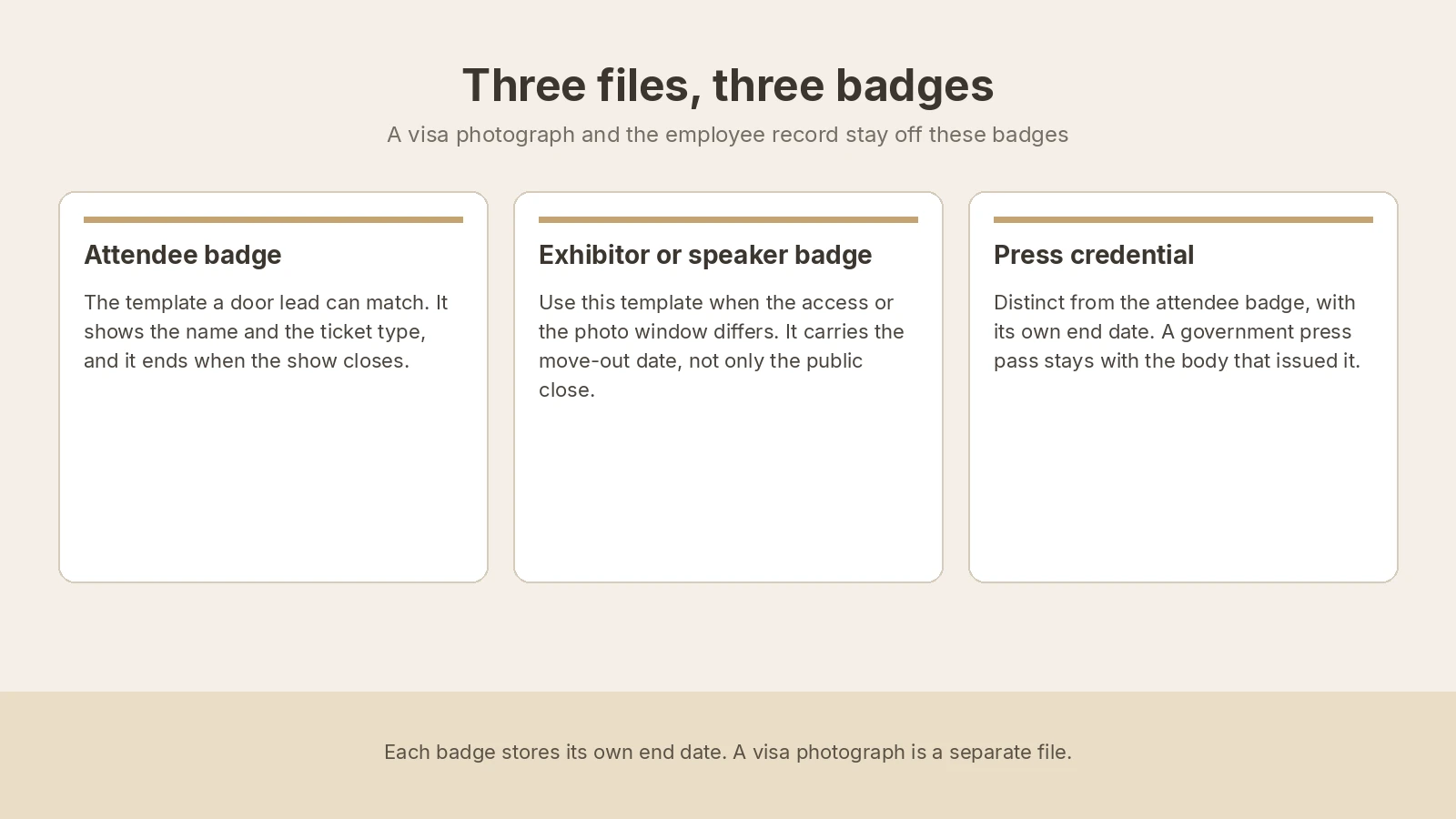
| File | Who holds the camera | What goes wrong if you substitute |
|---|---|---|
| Attendee badge | A link before arrival, or the registration camera. | A program headshot the door cannot match, or no end date. |
| Exhibitor or speaker badge | That access template. Share a crop only when both windows and the access match. | A door that still opens after move-out. |
| Press credential | A template that looks different from the attendee badge. | Attendee stock, or no end date. |
| Form I-9, for people the organizer employs in the United States | The employee chooses the documents. A show badge is not on the Lists of Acceptable Documents. | Filing the badge as a List A or List B document, or specifying which document to bring. |
| E-Verify photo match, when a case is created | Compare the photo E-Verify displays with the photo on the document. | Matching the person or the badge, or requiring a passport so photo matching runs. |
| Passport or visa for a traveling speaker | That document's own capture. A U.S. visa follows the Department of State and stays unedited. A UK passport photograph meets GOV.UK photo rules. | Sending the program headshot. The embassy decides. HM Passport Office decides a UK passport photograph. |
The Form I-9 instructions put Section 2 within three business days after the first day of employment, or on the first day when the job is shorter. A hire whose job lasts less than three business days still completes the form no later than the first day, and the printer does not move that clock. Keep the form for one year after employment ends or three years after the first day, whichever is later. Where the employer uses E-Verify, create the case no later than the third business day after work for pay begins. This page does not decide enrollment. Exhibitor staff and venue staff complete Form I-9 with their own employer.
In the UK and the EU a photograph of an identifiable person is personal data, and GDPR Article 5(1)(e) keeps it no longer than necessary for the purpose. Write that deletion date on the file for every show.
How do organizers collect badge photos today?
A show that has not split the files still runs on a registration export, a shared inbox, and one person at the printer. Speakers, exhibitors, and press send a portrait they already have. One crop is reused for every badge, reprints use the newest file, and walk-ups wait in that queue. The folder is still full when the crates ship.
What does a split workflow look like?
Name the file before the first link goes out. Each file has its own end date. Share a crop only when both photo windows accept it and the access is the same.
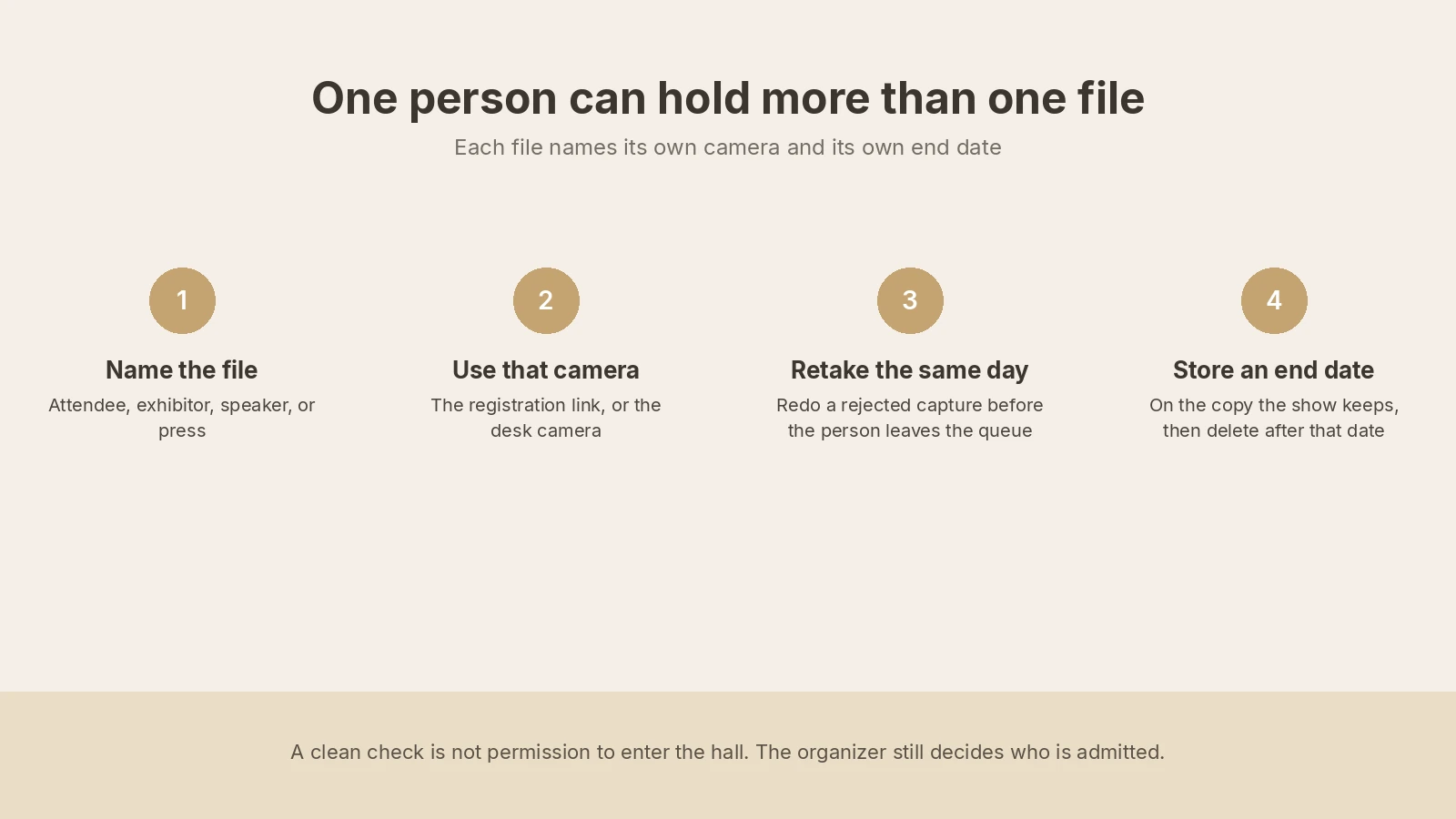
1. Write down who holds the camera. Collect the show photograph before the hall opens, and keep the registration camera for a rejected capture and a walk-up.
2. Sort people by the record that already owns them. Build the checklist on the registration record.
| Who | Where the record lives | What to do with the photo |
|---|---|---|
| Attendee | The registration record | Attendee badge ending at public close, plus a named reprint window. |
| Speaker | The speaker record | Speaker badge for that access. An AI headshot stays on the program page. |
| Exhibitor staff | The badge you issue, plus their employee file | Move-out date on your badge. Their company ID follows the HR guide. |
| Press | The credential you issue | A distinct template, dated on the credential. A government or venue press pass stays on that issuer's file. |
| Organizer employee, including a show-length hire | HR, when it already lists them, and the show record | Company ID on the HR guide. Floor badge ends with the show. A hire under three business days still completes Form I-9 no later than the first day. |
| Agency registrar, contract security, or build crew | The badge you issue, plus their employer's file | Assignment end date on your badge. Their file follows the staffing, security, or contractor guide. |
| Hotel staff, or anyone who needs airside media | The hotel, or the airport security program | The hotel or airport guide. Show badges stay on the show templates. |
| Speaker who needs a passport or visa | That document's own file | The immigration guide. A UK passport photograph meets GOV.UK rules and stays unedited. |
3. Collect the file on one link, or on a camera at registration. The badge photo service can email a unique link with no extra account, and the link expires after use. It is available per request. Contact support@idphoto.ai. Keep the registration camera for a rejected capture and for a walk-up. Organizer company IDs use the employee badge page. The link does not replace Form I-9.
4. Match the face, and reject a bad capture in the same visit. One person, in colour, in focus, eyes visible. The template decides clothing, glasses, and background. Background removal and photo enhancement apply only when the template allows them. A visa or passport photograph stays unedited. A face-mask check is available per request. An AI headshot stays on the program page.
5. Write each file to the record with the date it should stop. The organizer still decides who receives a badge. On a replacement, face comparison returns a match decision and a similarity score. Liveness detection is available per request. See biometric verification. Take the copy back, or use a temporary link of 2 hours to 14 days. Delete the show's copy when the end date passes, and keep any copy E-Verify requires with Form I-9.
6. Run a batch only inside one specification. Batch preparation fits a registration close on one template and returns a retake list before the print deadline. A shared crop is still two records when the end dates or the access differ. Walk-ups stay on the desk camera, outside that batch.
Many printers take ID-1 stock, nominally 85.60 mm by 53.98 mm under ISO/IEC 7810. A paper badge in a holder is a different window. Measure the window you actually print before the first link, and keep a passport number off the face of every show badge.
Where do conference badge photos usually fail?
| What fails | What to change |
|---|---|
| One headshot is cropped for the badge, the press credential, and the visa | Split the visa and the press credential off. Share a crop only when the windows and the access match. |
| The program headshot is printed on the badge | Retake the badge file. Keep the program portrait, including an AI headshot, on the speaker page. |
| The show badge is filed as the Form I-9 document | The employee chooses the documents. Store show badges on the registration record. |
| A press credential uses attendee stock and has no end date | Use a distinct credential, store the end date, and collect it when that date passes. |
| A badge still opens a door after the show, including the next city | Deactivate it the same day. One badge set per show. Delete the photograph when its end date passes. |
What should an organizer require from a vendor?
| What you need | What good looks like |
|---|---|
| A specification per badge you print | Size, crop, and background, and a second window when the badges differ. See the published specifications. The visa sits outside this list. |
| A block on forbidden edits | A U.S. visa photograph, and a U.S. or UK passport photograph, stay unedited. See when a corrected portrait fits. |
| Rejection before a manual crop | Face, light, blur, framing, and glasses, while the person is still in the queue. |
| A path for people not yet at the hall | One link per person, no extra account, expired after use. The registration camera stays for a retake and a walk-up. |
| The registration record | The file returns with the stop date and the deletion date. Workday or SAP SuccessFactors sync is available per request for organizer employees. |
| A check a door lead can explain | Face comparison and liveness detection are available per request. The door lead still matches the person. The press template looks different and is collected when its end date passes. |
Who may see an attendee's photograph?
The attendee, the registration lead, and a door lead who matches the badge may see the show file. A program-page photograph uses a separate consent. A copy that E-Verify requires stays with Form I-9. In the UK and the EU the portrait is personal data under the GDPR. In California it is personal information under the CCPA. The data privacy policy covers encrypted transmission, temporary storage from 2 hours to 14 days, or taking the image back. US and EU processing are available. Other regions are available per request.
How do you roll this out on one show?
Write the file rule before the first link. For one show, name the templates, the date that stops each file, the deletion date, and each photo window. List which roles keep floor access after public close, and keep the Form I-9 clock beside the print step.
Run that show on those templates only. Name one owner who can decide, the same day, whether a person stays on the new path. A rejected capture uses the registration camera before the person leaves the queue. Include one press credential and one exhibitor badge. Print one badge on that printer, or confirm print and mailing with support before you promise a speaker badge in the post. Print and mailing is available per request.
Add the next show after a write has held. Prove a clean upload, a retake, a walk-up, and a write that fails once and is retried. Open Workday or SAP SuccessFactors only for organizer employees, and only after support has confirmed that connection. A speaker who also needs a visa is a second file, on the immigration path.
What do show directors ask?
Can a conference badge complete Form I-9?
No. The employee chooses from the Lists of Acceptable Documents, and a show badge is not on them. Section 2 is due within three business days, or on the first day when the job is shorter. Exhibitor staff and venue staff complete the form with their own employer.
Does E-Verify photo matching use the badge photograph?
No. Compare the photo E-Verify displays with the photo on a Permanent Resident Card, Employment Authorization Document, U.S. passport, or passport card. Do not require one of those documents so photo matching will run.
Can one portrait go on the attendee badge, the press credential, and a visa?
Share a show crop only when both windows accept it and the access is the same. Keep the press credential on its own template, and keep a program headshot, including an AI headshot, on the speaker page. A visa stays unedited under Department of State photo rules. A UK passport photograph must meet GOV.UK photo rules, stays unedited, and can be retrieved with a UK passport photo code. HM Passport Office still decides.
Can a speaker send a badge photo before arriving?
Yes. One link, no extra account, expired after use, available per request from support@idphoto.ai. Keep a registration camera for a retake and for a walk-up. Form I-9 keeps its own clock.
What if the person works for an exhibitor, a staffing agency, or venue security?
Print your badge with the assignment end date. Staffing, guarding, a build crew, hotel staff, and airside media each stay on their own file, linked in the table above. The attendee badge stays on the show template.
When should the show photograph be deleted?
Delete the show's copy on the date stored with the file. In the UK and the EU, GDPR Article 5(1)(e) keeps personal data no longer than necessary for the purpose. A named reprint window is a purpose. Form I-9 retention follows its own clock.
What does preparing the photograph cost?
It starts at $0.20 per photo. That is separate from a government fee, a printer lease, and a visa fee. The catalog covers 300+ specifications across 200+ countries.
How does idphoto.ai fit this workflow?
idphoto.ai is the photo step for the badges the organizer prints. The API prepares a portrait to the template you name, checks the capture, and returns a file for the registration record or the printer. The organizer decides who receives a badge. Form I-9 and E-Verify stay on their own path. A visa photograph the applicant supplies stays unedited. A UK passport photograph must meet GOV.UK photo rules. The catalog covers 300+ specifications across 200+ countries, starting from $0.20 per photo.
Templates, the self-service link, Workday or SAP SuccessFactors sync, print and mailing, liveness detection, a face-mask check, another processing region, and the Shopify store template with one-click setup are each available per request. The store stays off the registration record. Email support@idphoto.ai with the badge designs, which roles stay past public close, the deletion date, and how the file returns.