
Developers searching for face analysis often want emotion, age, or gender. Those scores are not in this API. What the Passport Photo API does return, on a successful POST /v2/makeIdPhoto, is an issues array: pose, expression, glasses, light, sharpness, and framing. That is the analysis. The catalog is photo issue codes. Comparing two people is the Face Match API, not an attribute guess.
Issue codes are the face analysis
An issue code is not an HTTP error. The request can succeed and still list problems. An empty issues array means none of the checks that ran reported a problem. It does not mean a government office has accepted the photo. Map codes to short instructions. Do not show raw codes to the person holding the phone.
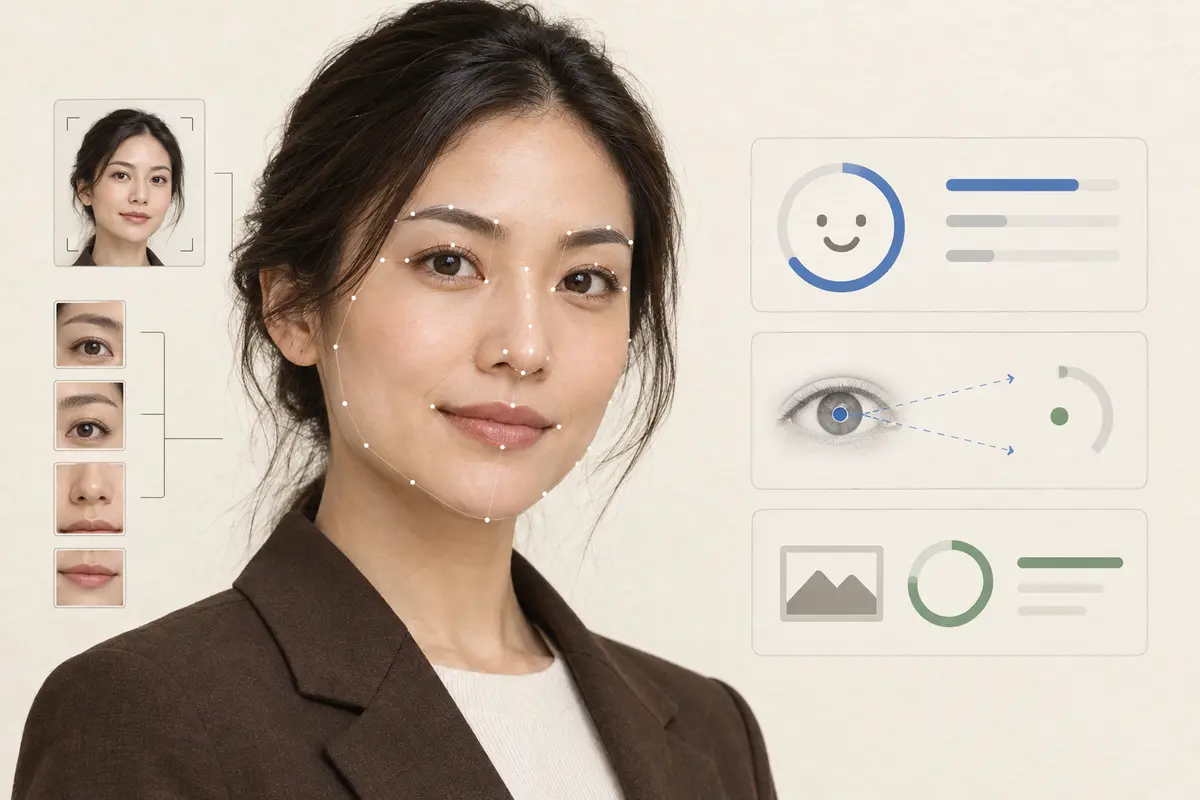
Checks the response can include
| Code | Meaning | What to ask for |
|---|---|---|
ISSUE_FACE_NOT_FOUND | No usable face. | One person, full face visible. |
ISSUE_HEAD_YAW_OVER_THRESHOLD | Head turned too far. | Face the camera. |
ISSUE_HEAD_PITCH_OVER_THRESHOLD | Head tilted up or down. | Hold the head upright. |
ISSUE_EXPRESSION_NOT_NEUTRAL | Expression is not neutral. | Closed mouth, relaxed face. This is not an emotion score. |
ISSUE_EYEGLASSES_NOT_ALLOWED | Glasses where the spec disallows them. | Remove glasses and retake. |
ISSUE_EYEGLASSES_REFLECTION | Glare on the lenses. | Change angle or remove glasses. |
ISSUE_FACE_LIGHT_NOT_BALANCE | Uneven light across the face. | Softer, more even light. |
ISSUE_FACE_BRIGHTNESS_BAD | Too dark or too bright. | Avoid backlight and direct flash. |
ISSUE_PHOTO_SHARPNESS_BAD | Blur or not enough detail. | Hold still and refocus. Ask for this before smaller framing nits. |
ISSUE_BOTTOM_NOT_FULL, ISSUE_LEFT_NOT_FULL, ISSUE_RIGHT_NOT_FULL | Not enough shoulder or torso in the source. | Step back and include both shoulders. |
ISSUE_SUNGLASSES_NOT_ALLOWED, ISSUE_HAT_NOT_ALLOWED, and ISSUE_NOT_IN_COLOR are in the same list. ISSUE_MASK_NOT_ALLOWED and ISSUE_RELIGION_MASK_FOUND are marked coming soon in the docs. ISSUE_PHOTO_SPEC_NOT_EXIST means the specCode was unknown. The user-facing version of the same problems is common passport photo mistakes.
A response that found problems
Direct mode returns the sized file and the issues together. This sample uses the UK passport spec from the API reference. Dimensions in the docs for that example are 413 × 531 pixels at 300 DPI.
{
  "photoUuid": "example-photo-uuid",
  "waterMark": false,
  "specCode": "uk-passport",
  "widthPx": 413,
  "heightPx": 531,
  "photoDpi": 300,
  "issues": [
    "ISSUE_EXPRESSION_NOT_NEUTRAL",
    "ISSUE_FACE_LIGHT_NOT_BALANCE"
  ]
}
When several codes come back, lead with the one that forces a retake. The docs’ example is blur before a small positioning issue. For a UK passport photo code, do not edit the face to clear the list. Ask for another photo.
Sensitivity overrides
Selected checks accept issueSensitivityOverride on the Passport Photo API: VERY_LOW, LOW, MEDIUM, HIGH, or VERY_HIGH. Higher is stricter. The default in the photo-code reference is MEDIUM. Overrides change detection. They do not change the document specification. Do not drop sensitivity to hide a real problem on a government photo.
"issueSensitivityOverride": {
  "ISSUE_FACE_LIGHT_NOT_BALANCE": "MEDIUM",
  "ISSUE_HEAD_YAW_OVER_THRESHOLD": "MEDIUM",
  "ISSUE_PHOTO_SHARPNESS_BAD": "HIGH"
}
The override keys in the Passport Photo API request example are lighting, brightness, sharpness, yaw, pitch, glasses, sunglasses, hats, and incomplete edges. ISSUE_EXPRESSION_NOT_NEUTRAL is returned as an issue. It is not in that override example, so do not invent a sensitivity key for it.
Apps, booths, studios, and HR
- Passport and visa apps. Block the pay button while
issuesis non-empty for checks you treat as hard failures. Explain the retake in one sentence. - Photo booths. Show the code’s instruction on the booth screen before you print. A booth issuing UK codes should treat expression, glasses, and pose as retakes.
- Studios and agencies. Review the array in your order tool so staff see why a file was flagged, instead of re-cropping blindly.
- HR and security. The same codes flag an unusable employee badge photo. For staff photos, a later edit may be allowed. For US and UK passports, it is not. See where AI edits are refused.
How to read issue codes in your app
- Call
POST /v2/makeIdPhotowith thespecCodeyou will actually deliver. Analysis without the target spec misses rules that depend on the document, such as glasses. - If
issuesis empty, continue. - If it is not, map each code to a localized sentence and choose warn, review, or retake.
- Put the most blocking instruction first when there are several.
- Keep images and secrets on the server. URL output uses temporary storage. Base64 output can avoid storing the image on our service. Details are in the data privacy policy.
Why issue codes instead of an attribute model
Emotion recognition in workplaces and schools is restricted in some jurisdictions, and this reference does not offer it. Age and gender are not returned either. Issue codes are tied to the photo you are about to submit: a head turned too far, a smile, glare on glasses, a dark face. That is the analysis an ID-photo product can act on without inventing a sensitive classifier.
FAQ
Does the Face Analysis API return emotion, age, or gender?
No. Those scores are not in the API reference. The documented analysis is the issues array from the Passport Photo API: face detection, pose, expression, glasses, lighting, sharpness, and framing.
Is a non-neutral expression an emotion score?
No. ISSUE_EXPRESSION_NOT_NEUTRAL means the expression is not neutral enough for the photo check. The suggested action in the docs is a closed mouth and a relaxed face. It is not a happiness or anger label.
Does an empty issues array mean the passport will be accepted?
No. It means the checks that ran did not report a listed problem. The issuing authority still reviews the photo. For UK passports, HM Passport Office checks every photo submitted with a photo code.
Can I make the checks stricter?
Yes for the checks that support issueSensitivityOverride. Values run from VERY_LOW to VERY_HIGH. Higher is stricter. Overrides do not change the selected document specification.
Should I analyze the photo with a separate endpoint?
No separate analysis endpoint is documented. Call POST /v2/makeIdPhoto with the destination spec code and read issues on that response.