
“Biometric verification” on a product page often means a stack: capture, liveness, document reading, and a face comparison. The comparison we publish is the Face Match API. POST /v2/faceMatch takes two portraits and returns isMatch and similarity. Liveness detection, document OCR, and a catalog of ID types are not in that reference. The page for the comparison itself is ID photo vs selfie verification. This page is about where that call sits inside a verification flow you still have to design.
Your app holds the camera. The API compares two faces.
A live check starts in your product: you open the camera, frame one person, and keep a still. That still is not proof of liveness unless you build or buy a liveness control. What you can ask this API, once you have two images, is whether the face in the new still is similar to a face you already trust. The trusted image might be an employee badge portrait, a photo captured at enrollment, or an ID photo you produced earlier with the Passport Photo API.
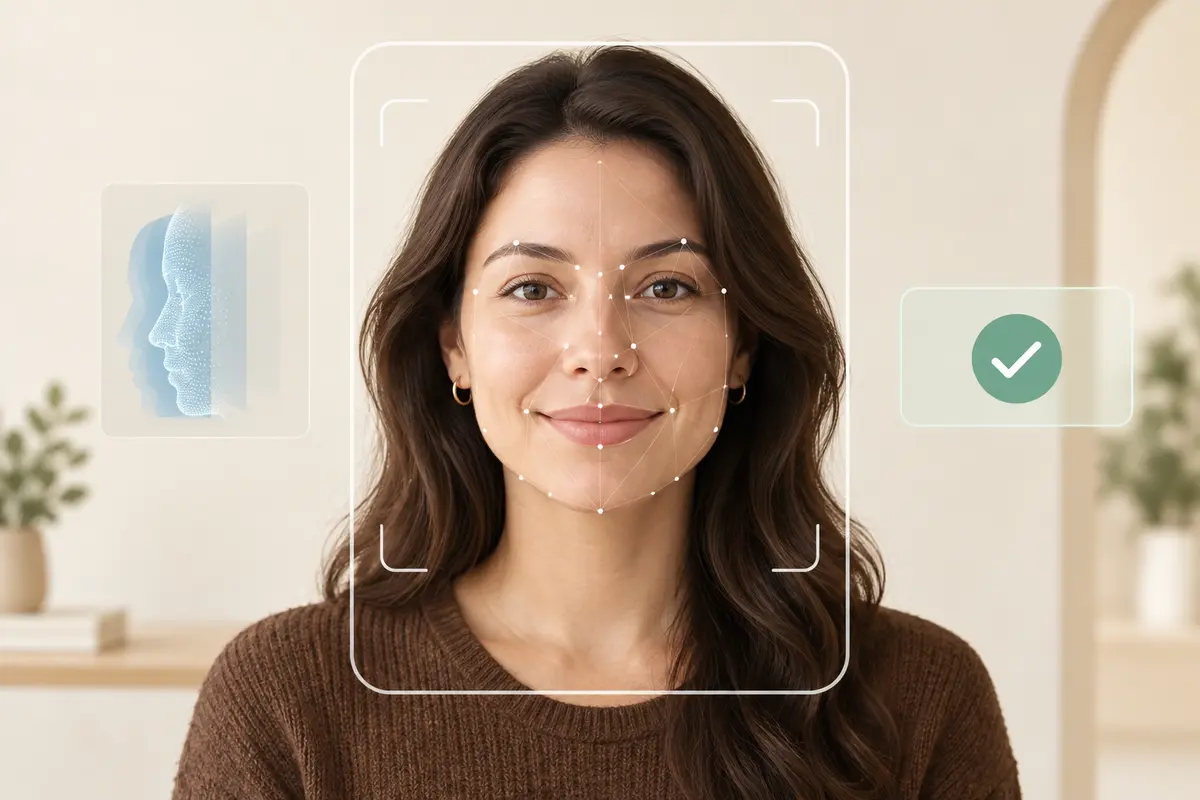
Check the portrait before you score it
A turned head or a dark frame will move the similarity number for reasons that have nothing to do with identity. If the new capture is supposed to be an ID-style portrait, run it through POST /v2/makeIdPhoto first and read photo issue codes. ISSUE_FACE_NOT_FOUND, ISSUE_HEAD_YAW_OVER_THRESHOLD, ISSUE_PHOTO_SHARPNESS_BAD, and ISSUE_FACE_BRIGHTNESS_BAD are reasons to retake, not reasons to lower your match threshold. The Face Match docs repeat the same capture bar: one clearly visible face, no extreme pose, no heavy blur, no strong occlusion, no tiny face.
The only comparison the reference documents
curl -sS -X POST "https://api-us.idphotoapp.com/v2/faceMatch" \
  -H "Content-Type: application/json" \
  -d '{
    "apiKey": "YOUR_API_KEY",
    "apiSecret": "YOUR_API_SECRET",
    "sourceImageBase64": "data:image/jpeg;base64,...",
    "targetImageBase64": "data:image/jpeg;base64,...",
    "similarityThreshold": 0.8
  }'
{
"isMatch": true,
"similarity": 0.82
}Omit similarityThreshold to use the value configured for the integration. The 0.8 above is an illustration of the field, not a recommended cutoff. The response sample 0.82 is the one printed in the API reference. Hosts are the US and EU regional base URLs. Confirm Face Match is enabled on the key before you integrate. There is no iOS or Android SDK in the reference. Your backend calls HTTPS.
Onboarding, access, and account recovery
- Apps. Enrollment stores one portrait. A later session captures another. You compare them and decide whether the session continues. Store the decision, the threshold, and the time. Do not store a claim you did not check, such as “document authentic.”
- Agencies. A case file already has a portrait. A new upload from the applicant is compared before a reviewer opens the case. A non-match routes to a person. It does not close the case.
- HR and security. The reference image is the employee badge photo you issued. A lobby kiosk or a help-desk tool sends a new capture. Security staff see match or non-match plus the score. The door controller is yours.
- Account recovery. Compare a fresh selfie with the portrait on the account. A match is one signal next to email, device, and support policy. The API does not reset a password.
What you still implement
You own capture UX, consent, how long you keep images, and any liveness or document check your regulator actually requires. You also own the false-match and false-reject policy. The docs say to validate a custom threshold against representative images and against the cost of both errors. A match result is a technical comparison signal, not by itself a legal identity decision. GDPR and CCPA practices for data we process are in the data privacy policy. Transmission is encrypted.
How to place the comparison in your flow
- Ask for Face Match on the account if the endpoint is not already enabled.
- Save a reference portrait at enrollment. Prefer a portrait that already passed your ID-photo checks.
- On the verification attempt, capture a new image in your app and upload it to your server.
- Optionally run issue codes. If the face is unusable, stop and ask for a retake.
- Call
/v2/faceMatchserver-side. Branch on transport errors, missing faces, andisMatchas three different results. - Record the outcome in your system. Do not log the Base64 bodies or the API secret.
Why keep the biometric step on a documented comparison
The failure mode of a “biometric” brochure is promising liveness and two hundred document types you cannot call. This flow stays inside one published endpoint, the same regional hosts as the rest of the API, and a score you can threshold and audit. When you later need a sized badge or passport file, you already have the Passport Photo API on the same account.
FAQ
Is this a liveness check?
No. Nothing in the Face Match API reference describes liveness, anti-spoofing, or deepfake detection. A live capture in your app is still just an image when it reaches this endpoint.
Can it read a passport or a driver’s license?
No. It does not perform document OCR, MRZ reading, or a document-type catalog. Send two face images. If you need a compliant portrait, create it with the Passport Photo API first.
Do you ship a mobile SDK?
No. The reference documents an HTTPS POST to the US or EU host. Call it from your backend. Do not put the API secret in a browser or a mobile binary.
How is this different from the photo match page?
Both pages use POST /v2/faceMatch. The photo match page is the endpoint itself: fields, threshold, and response. This page is the surrounding verification flow: when to capture, when to retake, and what the boolean is not allowed to mean.
What should happen on a non-match?
That is your policy. The API only tells you the similarity did not meet the threshold. Route the person to a retake or a human review. Do not treat isMatch false as proof of fraud.