
Appearance
Common Mistakes from End Users
Use these examples to guide users before they submit a portrait. Clear capture instructions reduce retries and make issue messages easier to act on.
Shadows on the face or neck
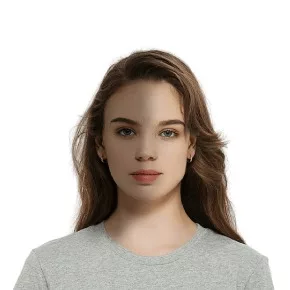
Face a soft, even light source. Avoid strong side light, overhead shadows, backlighting, and a flash that creates hard shadows.
Related issues: ISSUE_FACE_LIGHT_NOT_BALANCE, ISSUE_FACE_BRIGHTNESS_BAD.
Head turned or heavily tilted
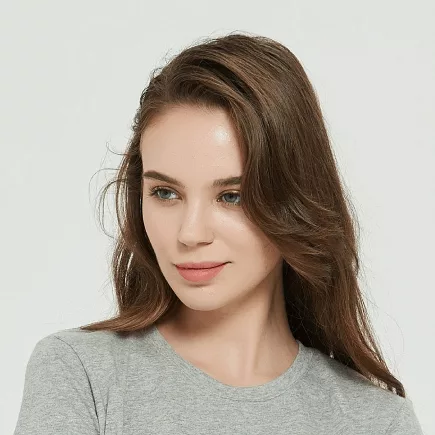
Face the camera directly, keep the head upright, and place the camera near eye level.
Related issues: ISSUE_HEAD_YAW_OVER_THRESHOLD, ISSUE_HEAD_PITCH_OVER_THRESHOLD.
Expression is not neutral
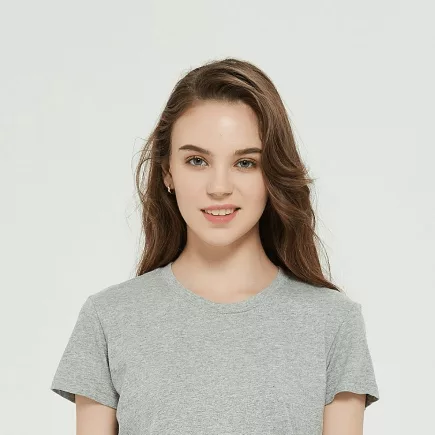
Keep a relaxed expression, close the mouth, and look directly at the camera.
Related issue: ISSUE_EXPRESSION_NOT_NEUTRAL.
Camera is too close
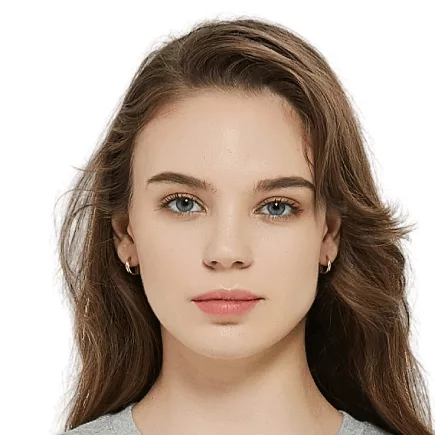
Move the camera farther away so the full head, neck, and both shoulders are visible. Avoid cropping tightly around the face before upload.
Related issues: ISSUE_BOTTOM_NOT_FULL, ISSUE_LEFT_NOT_FULL, ISSUE_RIGHT_NOT_FULL.
Shoulders are not level
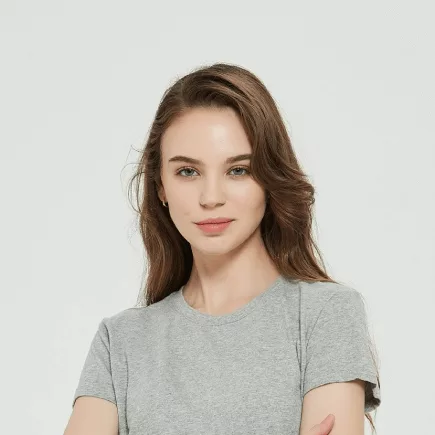
Stand or sit straight, relax both shoulders, and keep the camera level.
Body and face are turned
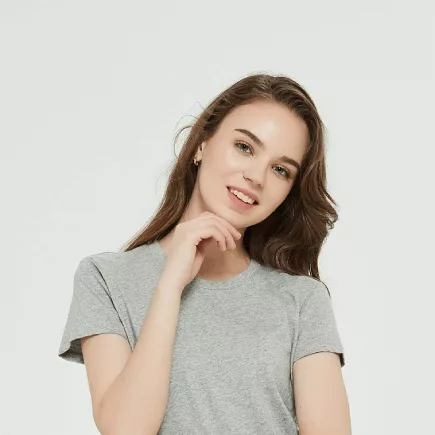
Keep both shoulders square to the camera and face forward. Do not use a three-quarter portrait pose.
Capture checklist
Before uploading, ask the user to confirm:
- one person is visible;
- the face is in focus and evenly lit;
- the head and body face the camera;
- the expression is neutral;
- both eyes are clearly visible;
- the complete head, neck, and shoulders are inside the frame; and
- the source is an original color photo rather than a screenshot or heavily compressed copy.
See Issue Codes in API Responses for developer-facing handling guidance.